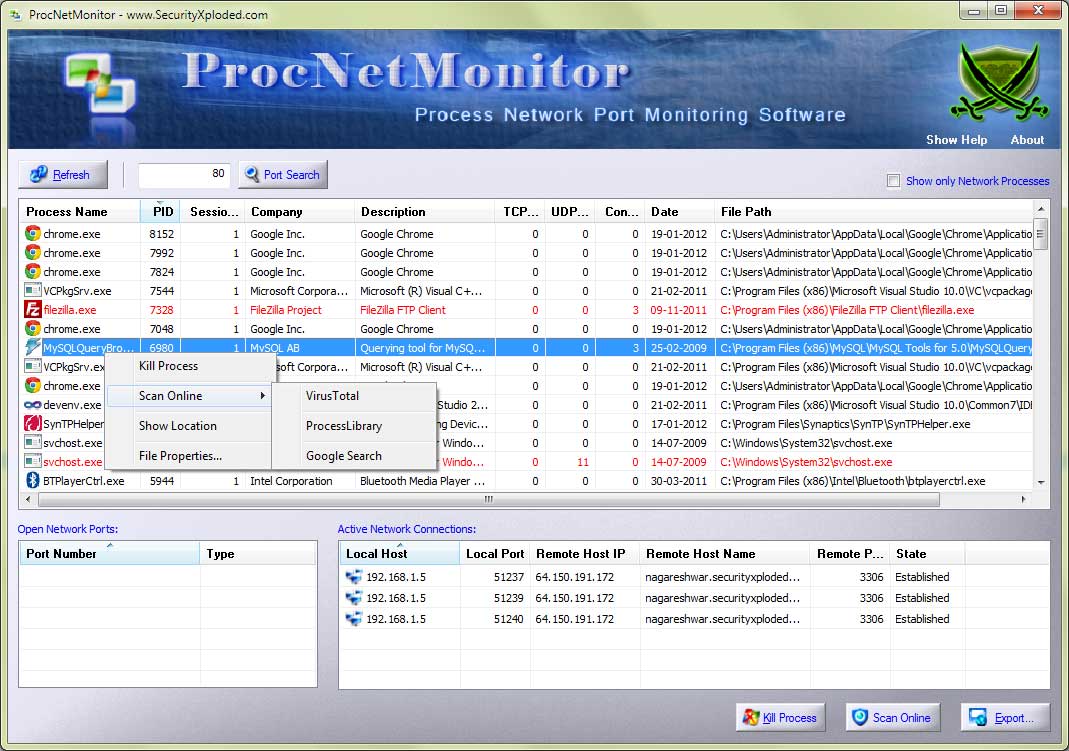
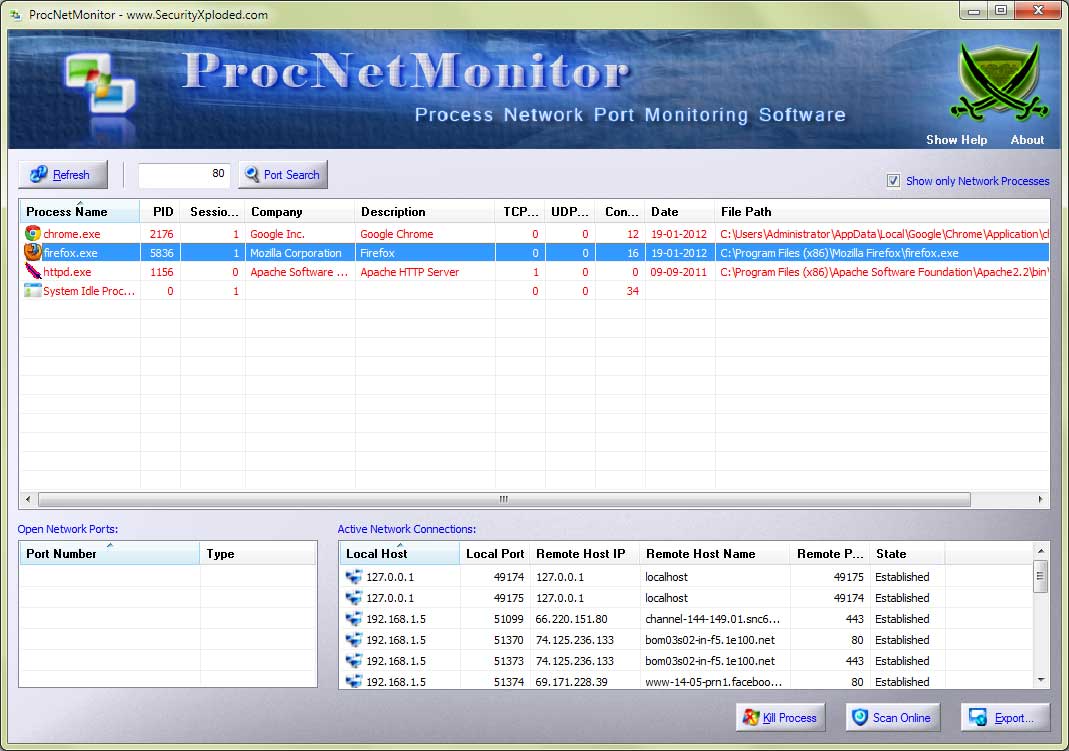
| Major 2018 release with renovated user interface and improvised network process display |
| |
| Mega 2017 edition to support process network monitoring on Windows 10. Also added new Installer |
| |
| Integrated Uninstaller into Windows Add/Remove Programs, now you can uninstall it in a standard way. Also improved GUI interface with glowing icon effects. |
| |
| Improved GUI interface with lighter icons and colors. |
| |
| Fixed the problem with screen refresh. Support for Windows 8. |
| |
| Special markup for 32bit Processes on 64bit system, Critical fix for Windows XP, Improvements in UI & Report. |
| |
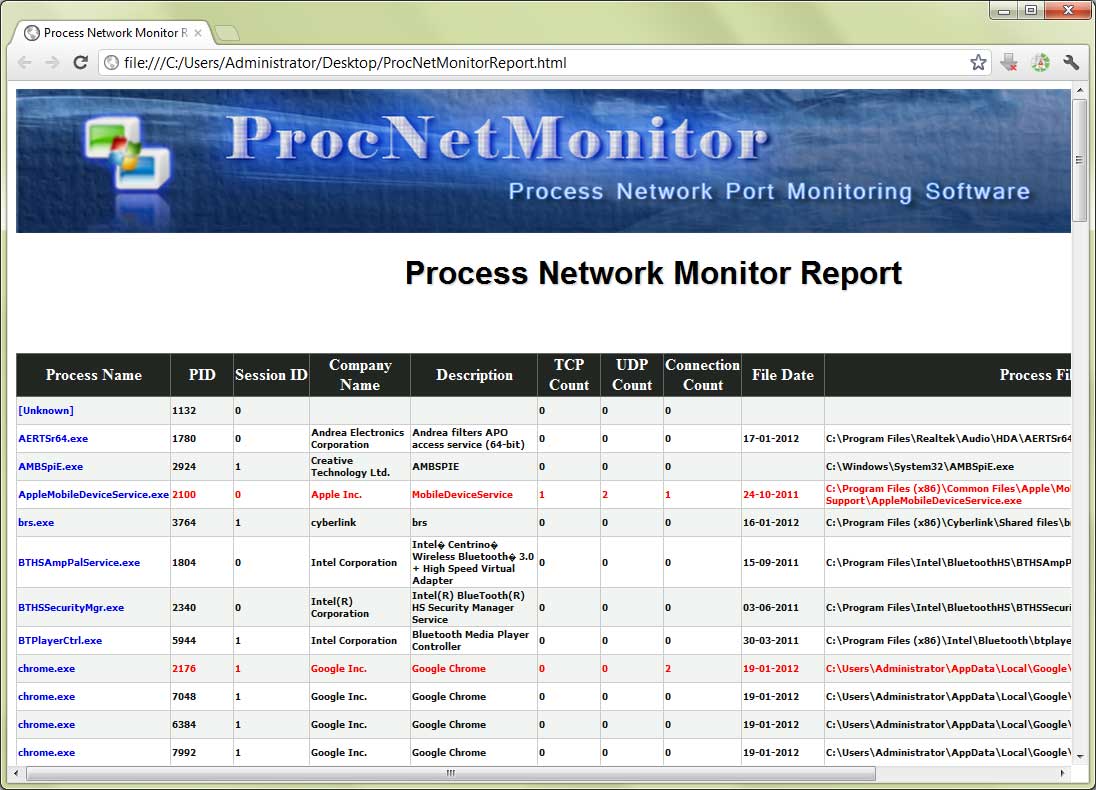
| New enhanced GUI interface with cool banner, Online Malicious Process Verification, Right Click Context Menu for quick actions, Advanced Report in HTML/XML. |
| |
| Integrated Installer, New version detector and improved banner. |
| |
| Now its display process information on 64 bit system. Removed False
positives from Antivirus. Other banner/about dialog changes. |
| |
| In this version by default only network oriented processes are
displayed. There has been good changes in the UI front as well. |
| |
| This version comes with support for Windows 7. Other than some minor
bug fixes, it include GUI related enhancements such as pictured buttons. |
| |
| New Renovated user interface with unique 'Port Finder' feature to
search for network port in all running processes. Also advanced color
based auto analysis to distinguish network oriented processes from
others. |
| |
| Enhanced GUI interface. Added manifest file to make it complaint
with Vista platform. |
| |
| First public release of ProcNetMonitor showing network activity of
process. |