| Major release with new installer for simple installation & un-installation. |
| |
| New 2016 edition with improved windows service managing operation |
| |
| Mega release with support for managing services on new Windows 10 version. |
| |
| New feature added to Installer to dynamically download latest version |
| |
| Improved Installer screen along with few minor bug fixes. |
| |
| Renovated GUI interface with glowing icon effects. Also integrated Uninstaller into Windows Add/Remove Programs, now you can uninstall it in a standard way. |
| |
| Now by default it shows third party services at the start. Also launches in maximized mode. |
| |
| Minor improvements in the user interface. Fixed the broken link to web page in the report. |
| |
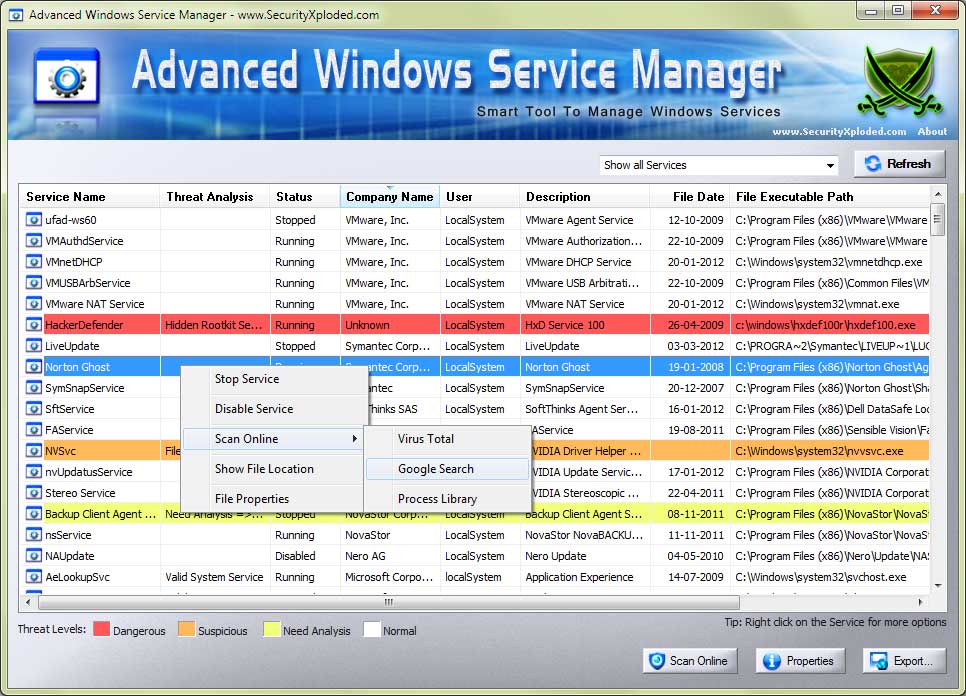
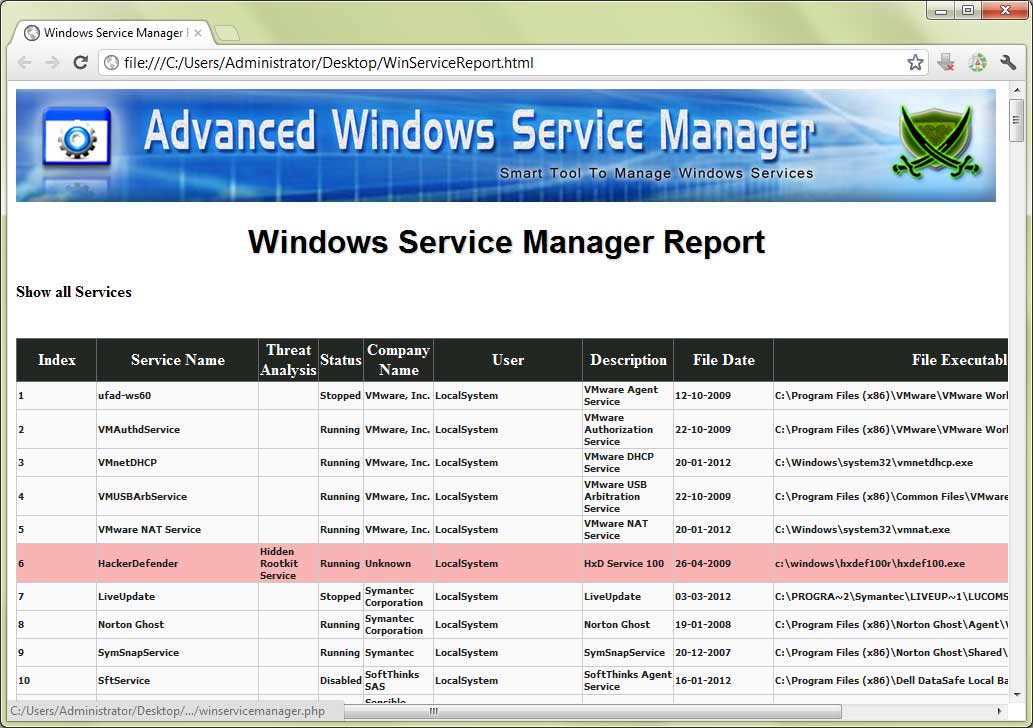
| This mega version presents new enriched GUI interface with cool banner, Online Malicious Service Scan, Sophisticated Auto Analysis, Service Filter Mechanism, Color based Threat Representation, Right Click Context Menu for quick actions, HTML/XML Report generation and many more. |
| |
| Release of AdvancedWinServiceManager with rich features such as
hidden Rootkit service detection, enhanced user interface, arranging
the services, exporting the service list to log file etc. |
| |
| User interface improvement, Vista UAC compatibility along with
bug fixes. |
| |
| First public release of WinServiceManager |
| |